


No products in the cart.
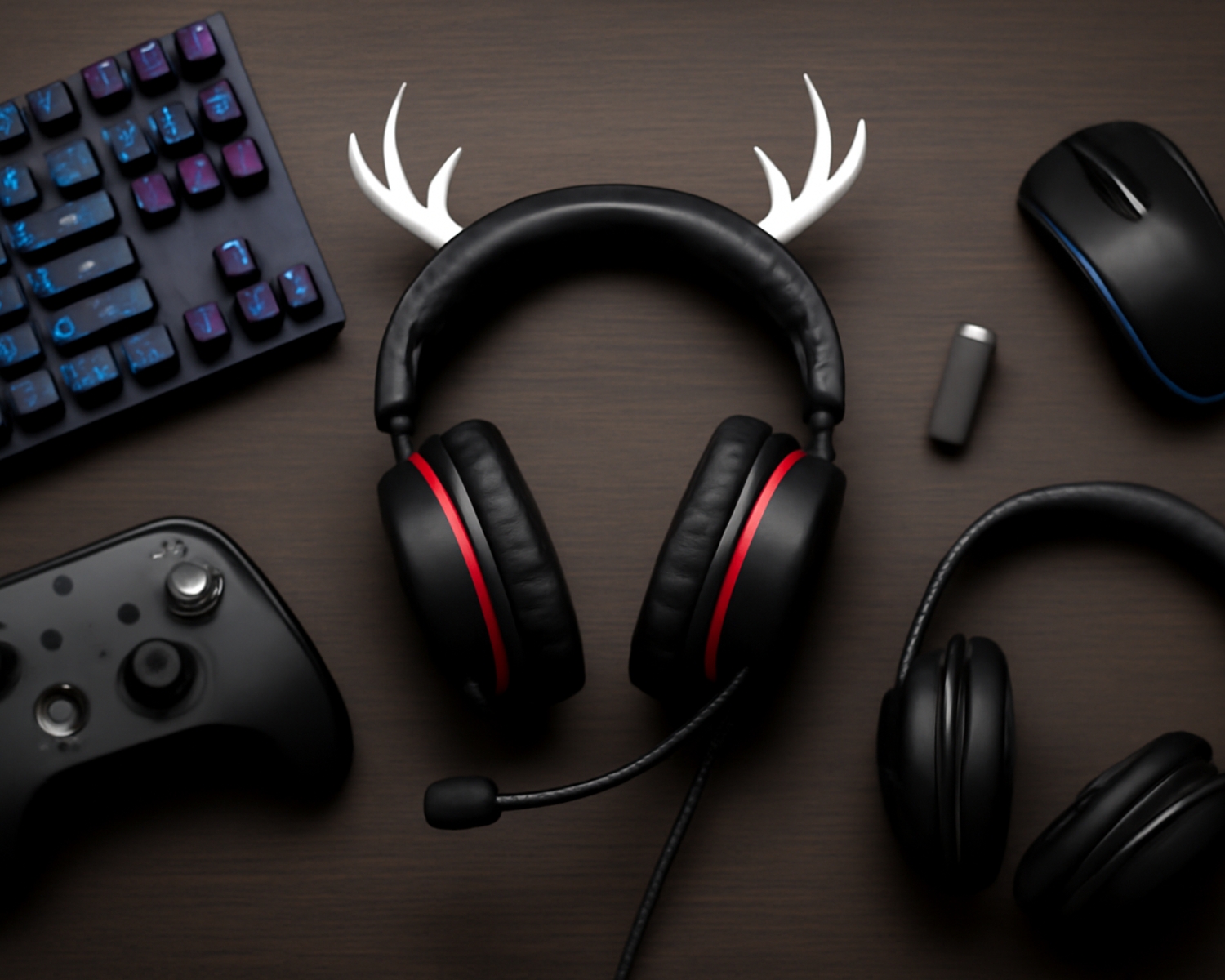
Best Accessories to Pair with Your Antler Gaming Headset
Introduction
The Antler Gaming Headset is known for its exceptional sound quality, comfort, and stylish design. However, to fully optimize your gaming experience, pairing it with the right accessories can make a huge difference. Whether you’re a casual gamer, a streamer, or a competitive esports player, the right additions can elevate your gameplay, enhance comfort, and help you express your unique gaming style. Here are some of the best accessories to pair with your Antler Gaming Headset.
- RGB Mouse and Keyboard
Regarding gaming accessories, an RGB mouse and keyboard are essential for creating an immersive, visually stunning setup. With its sleek design, the Antler Gaming Headset pairs perfectly with vibrant, customizable RGB peripherals. Whether you’re playing a fast-paced FPS or an RPG, an RGB mouse and keyboard add to your setup’s aesthetic and give you the performance needed for quick movements and high precision. Look for a mechanical keyboard with programmable keys to boost your efficiency, while an RGB mouse with customizable buttons allows for fast action during intense gameplay. - High-Quality Mouse Pad
A large, high-quality mouse pad is an often-overlooked yet essential accessory for any gamer. Pairing your Antler Gaming Headset with a smooth, durable mouse pad provides the perfect surface for your mouse, ensuring precision and comfort. Look for mouse pads with a non-slip base to keep everything stable during gaming marathons. Some mouse pads even offer additional features, like RGB lighting, allowing you to match the aesthetics of your headset and other accessories for a fully cohesive gaming setup. - Adjustable Gaming Chair
Comfort is key during extended gaming sessions, and an adjustable gaming chair is an essential accessory to pair with your Antler Gaming Headset. A good gaming chair provides ergonomic support, promotes better posture, and reduces strain on your body. Look for a chair with adjustable armrests, a lumbar support cushion, and a reclining feature for the ultimate comfort. With your Antler Gaming Headset offering hours of immersive sound, having a comfortable chair ensures you can game for hours without discomfort. - Desk Organizer
To keep your gaming area neat and efficient, consider investing in a desk organizer to pair with your gaming headset. A headset stand or hanger will ensure your Antler Gaming Headset is stored safely when not in use, preventing wear and tear while keeping your space tidy. A desk organizer can also help with cable management, ensuring your space remains clutter-free and allowing for better mobility. - External Microphone or Pop Filter
While the Antler Gaming Headset has a built-in microphone, a high-quality external microphone can improve your voice clarity, especially for streamers or content creators. An external microphone will ensure your voice is crisp and professional, enhancing communication during gameplay. Adding a pop filter to your mic will reduce unwanted popping sounds and ensure your voice comes through clearly without distortion. - Gaming Glasses
If you spend long hours in front of the screen, a pair of gaming glasses is a great accessory to pair with your headset. These glasses are designed to reduce eye strain caused by prolonged screen time. They can also block out harmful blue light, helping you avoid fatigue and improve focus during intense gaming sessions.
Conclusion
Pairing your Antler Gaming Headset with these essential accessories can help you elevate your gaming experience. Each accessory complements your headset in functionality and style, from RGB peripherals to ergonomic seating and specialized tools for content creators. They create a well-rounded, comfortable, high-performing gaming setup that helps you stay focused and perform at your best.
#GamingAccessories #AntlerGamingHeadset #GamingSetup #Esports #RGBGaming #ComfortableGaming #GamingChair #BlueLightGlasses #GamingLifestyle #TechEssentials