


No products in the cart.
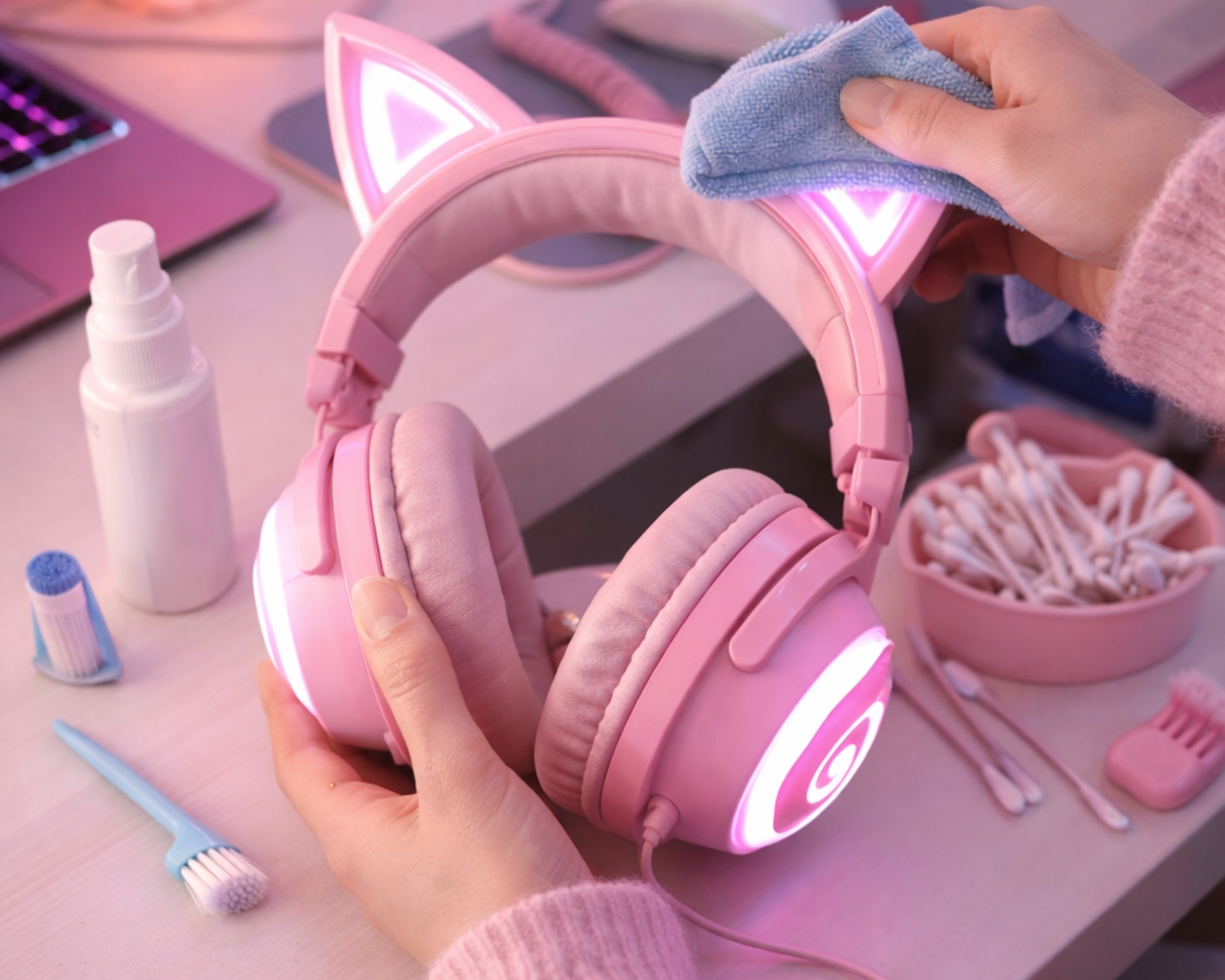
How to Clean and Maintain Your LED Cat Ear Headphones
LED cat ear headphones are more than just a fun accessory—they’re an essential part of your gaming or streaming setup. With their unique design, built-in lighting, and immersive sound, keeping them clean and well-maintained ensures they look great and perform at their best for years to come. Whether you’re a streamer, gamer, or casual listener, proper care is key. At Earbuds for Life, we believe great sound deserves great care.
Start with Power and Safety
Before cleaning your LED cat ear headphones, always turn them off and unplug any cables. If your headphones are rechargeable, make sure they are not connected to a power source. This helps prevent electrical damage and keeps you safe while cleaning sensitive components like LED lights and control buttons.
Clean the Ear Cushions Regularly
Ear cushions come into direct contact with your skin and can collect sweat, oils, and dust over time. Use a soft, slightly damp cloth to wipe the cushions gently. For deeper cleaning, a small amount of mild soap mixed with water can be used—just be sure to avoid soaking the material. Let the cushions air dry completely before using the headphones again.
Wipe the Headband and Cat Ears
The headband and cat ear sections are often exposed to dust and fingerprints. Use a microfiber cloth to gently clean these areas. For LED cat ears, avoid using excess moisture, especially near lighting strips or wiring. A dry or lightly damp cloth is enough to keep them looking fresh and vibrant.
Keep LED Lights Bright and Clear
To maintain the brightness of the LED lights, regularly remove dust from the surface using a soft cloth or compressed air. Never use harsh chemicals or abrasive cleaners, as these can damage the lighting or dull the finish. Gentle cleaning preserves both appearance and functionality.
Clean Ports and Buttons Carefully
Dust can accumulate in audio ports, charging inputs, and control buttons. Use a soft brush or compressed air to remove debris. Be careful not to push dirt deeper into the ports. Keeping these areas clean helps maintain reliable audio performance and smooth operation.
Store Your Headphones Properly
When not in use, store your headphones in a clean, dry place. Using a headphone stand or protective case helps prevent accidental drops, cable damage, or dust buildup. Avoid leaving them in direct sunlight or humid environments, as heat and moisture can affect both sound quality and LED performance.
Maintain Long-Term Performance
Regular cleaning not only keeps your headphones looking good but also extends their lifespan. Proper care ensures consistent sound quality and comfort, allowing you to enjoy every session without distractions.
Cleaning and maintaining your LED cat ear headphones doesn’t take much time, but it makes a big difference. With simple care habits and attention to detail, you can keep your headphones stylish, comfortable, and high-performing. Earbuds for Life is committed to helping you enjoy premium sound and design—because great audio deserves lasting quality.
#EarbudsForLife #CatEarHeadphones #HeadphoneCare #GamingAccessories #LEDHeadphones #AudioMaintenance #StreamerGear #GamingSetup #SoundQuality