


No products in the cart.
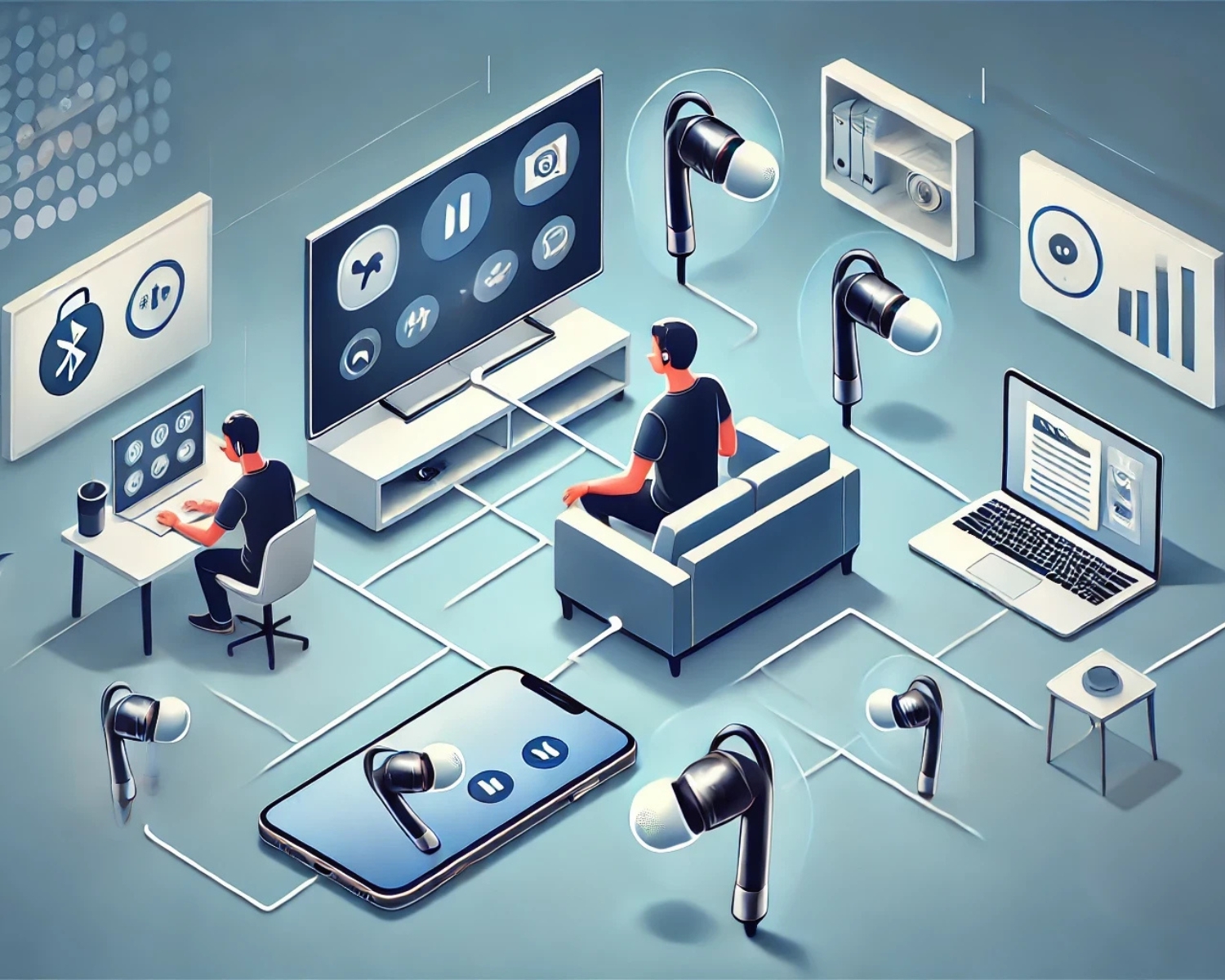
Multitasking Made Easy: Use Bluetooth Earbuds for TV, Phone, and Laptop Seamlessly
Introduction
In today’s fast-paced digital world, multitasking is essential, and Bluetooth earbuds have become indispensable for seamlessly managing multiple devices like TVs, phones, and laptops. With advanced connectivity features, these earbuds let you switch between devices effortlessly, ensuring uninterrupted productivity and entertainment. Here’s how to make the most of your Bluetooth earbuds for seamless multitasking.
1. Pairing Your Bluetooth Earbuds with Multiple Devices
Most modern Bluetooth earbuds support multi-device pairing, allowing you to connect to multiple devices simultaneously. This means you can pair your earbuds with your phone, laptop, and smart TV without repeatedly disconnecting and reconnecting.
How to Pair:
- Put your earbuds in pairing mode.
- On each device (TV, phone, laptop), search for and select the earbuds in the Bluetooth settings.
- Confirm the connection, ensuring the earbuds are registered on all devices.
Pro Tip: Check the manufacturer’s instructions for multi-point pairing, as not all earbuds support this feature.
2. Switching Between Devices
Once paired, switching between devices can be quick and hassle-free.
- From Laptop to Phone:
If a call comes in while you’re using your laptop, most earbuds automatically switch to your phone when you answer. To return to your computer, stop the phone activity and start playing audio on your computer. - From TV to Phone or Laptop:
You can pause the video on your TV, play music, or take a call on your phone while smart earbuds detect the active device and connect accordingly.
Pro Tip: Some earbuds have dedicated apps that allow manual switching between connected devices for added control.
3. Optimizing Audio Quality for Each Device
Bluetooth earbuds often adjust audio settings based on the connected device. For example:
- For TVs, ensure the earbuds support aptX or other high-quality audio codecs for lag-free viewing.
- For phones, use the microphone feature for crystal-clear call quality.
- For laptops, check for compatibility with video-conferencing apps for seamless communication.
Tip: Update your earbuds’ firmware to enhance compatibility and sound quality.
4. Managing Battery Life for Multitasking
Frequent switching between devices can drain your earbuds’ battery faster. Ensure you:
- Use a charging case to keep them powered up.
- Check battery levels via the connected device’s interface or app.
Conclusion
Bluetooth earbuds are the ultimate multitasking tool, enabling seamless transitions between your TV, phone, and laptop. You can elevate your multitasking game by leveraging multi-point pairing, optimizing settings, managing battery life, and enjoying uninterrupted productivity and entertainment.
#BluetoothEarbuds #MultitaskingMadeEasy #WirelessTech #DeviceSwitching #TechTips #AudioTech #SeamlessConnectivity #ModernGadgets #EarbudsTips #ProductivityTools