


No products in the cart.
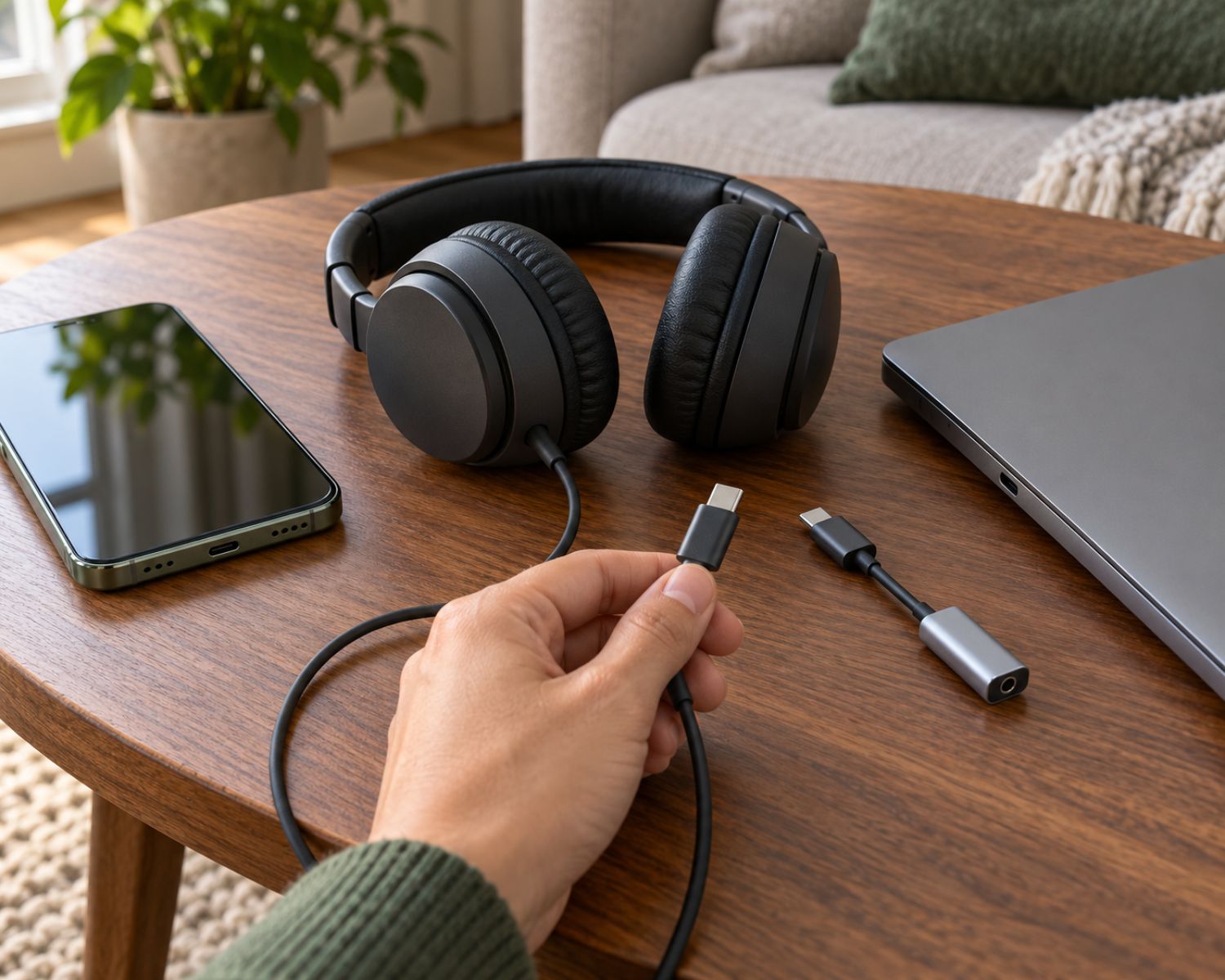
Why USB-C Headphones Work on One Device and Fail on Another
You plug a pair of USB-C headphones into your phone and they work immediately. You connect the same headphones to a tablet or laptop, and the result is complete silence. The plug fits perfectly, the device is fully charged, and nothing appears damaged, so the failure feels almost personal.
The confusion comes from a simple but poorly explained fact. USB-C describes the connector’s shape, but it does not guarantee that every device handles audio in the same way. Two ports can look identical while supporting different types of audio output.
USB-C Can Carry Audio in Two Different Ways
Traditional headphones receive an analog electrical signal that their speakers convert into sound. Most USB-C devices, however, work primarily with digital data.
Some phones can send an analog audio signal through the USB-C port. In that situation, passive USB-C headphones or a simple passive adapter may work because the phone performs the digital-to-analog conversion internally.
Other devices send only digital audio through the port. These require headphones or an adapter containing a digital-to-analog converter, commonly called a DAC. Without that component, the connected headphones have no usable analog signal to play.
This distinction between active and passive USB-C audio equipment explains why an inexpensive adapter may work on one phone but fail completely on another.
The Correct Plug Does Not Guarantee Compatibility
Consumers naturally expect matching connectors to indicate compatibility. That expectation usually works with ordinary charging cables, but USB-C supports many different functions, including charging, data transfer, video output, and audio.
A manufacturer can include a USB-C port without enabling every possible function. One laptop may support charging and digital audio through the same connection, while another port may be intended mainly for data or power.
The cable can also create problems. Some USB-C cables are designed only for charging and do not carry the data required for digital audio. A cable that powers wireless headphones successfully may therefore fail when someone tries to use those headphones in wired USB audio mode.
The DAC May Be Inside the Headphones or Adapter
A DAC converts digital audio information into the analog signal required by headphone speakers. In a traditional setup, the DAC may be located inside the phone, laptop, or audio player.
With USB-C headphones, the DAC may instead be built into the headphones, the connector, or a USB-C-to-3.5 mm adapter. Products containing their own DAC are often called active devices, while passive accessories depend on the connected phone or computer to perform the conversion.
This is why two adapters that look almost identical can behave very differently. One contains the electronics needed to process digital audio, while the other merely passes through an analog signal that some devices never produce.
When browsing the headphone collection at Earbuds4Life, buyers should check the connection type and intended device compatibility rather than relying solely on the appearance of the plug.
Controls and Microphones Can Still Behave Differently
A pair of USB-C headphones may produce sound but still lose certain functions. Volume buttons, call controls, microphone input, active noise cancellation, or high-resolution playback may not operate consistently across every phone and computer.
These differences can result from operating-system support, manufacturer-specific features, or the way the headphones identify themselves to the device. A headset designed primarily for one family of phones may provide basic audio on another device while leaving its advanced controls unemployed.
Software settings can also interfere. A computer may continue sending sound to its internal speakers after USB-C headphones are connected, requiring the user to select the headphones manually as the output device.
What to Check Before Buying
Start by checking whether the headphones include a built-in DAC or support standard USB digital audio. If you are purchasing an adapter for 3.5 mm headphones, confirm whether it is active rather than assuming every small dongle performs conversion.
You should also check the specifications of the phone, tablet, or laptop. Look for references to USB audio, digital audio output, or audio accessory support. Customer reviews can help, but compatibility information from the manufacturer is more reliable than one person reporting that an adapter “worked fine.”
If the headphones already belong to you, test them directly without a hub or extension cable. Confirm that the device has selected them as its audio output, inspect the port for debris, and try a known data-capable cable where applicable.
Final Thoughts
USB-C headphones do not fail across different devices simply because the technology is unreliable. Problems usually occur because identical-looking ports and accessories can process audio in fundamentally different ways.
Understanding analog output, digital audio, active adapters, and built-in DACs removes much of the mystery. The most important rule is to check what the device and headphones actually support instead of trusting the connector shape to tell the whole story.
#USBCHeadphones #USBAudio #HeadphoneGuide #AudioCompatibility #DAC #WiredHeadphones #TechExplained #Earbuds4Life