


No products in the cart.
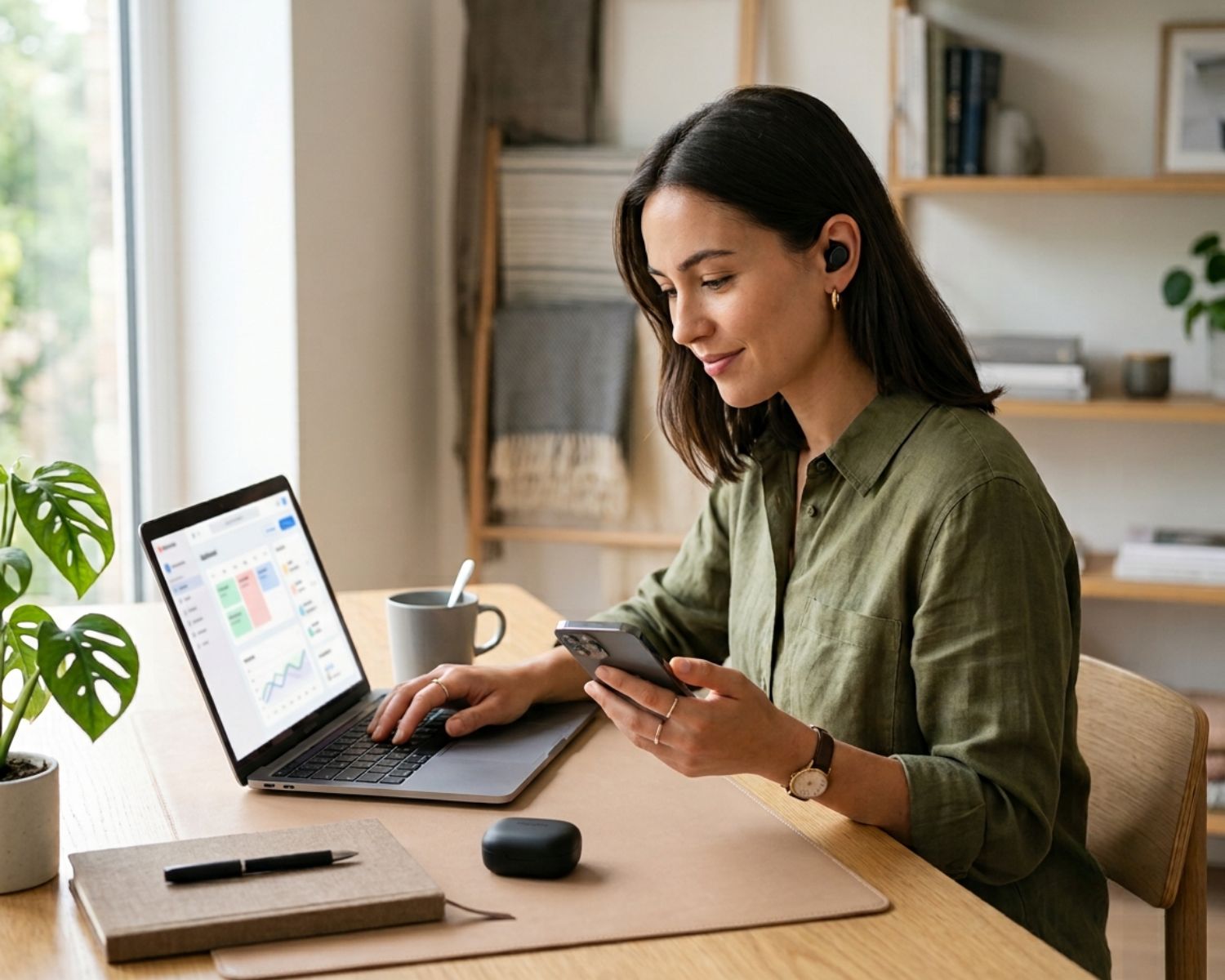
Bluetooth Multipoint: One Pair of Earbuds, Two Devices
You may use the same earbuds with your phone during the day and your laptop at work, yet switching between them can feel unnecessarily complicated.
Disconnecting, opening Bluetooth settings and pairing again quickly becomes frustrating, especially when an important call or notification arrives.
Bluetooth multipoint is designed to make this easier. It allows compatible earbuds or headphones to remain connected to two devices at the same time, so you can move between them with less manual switching.
Once you understand how it works, it becomes easier to decide whether multipoint is a feature worth prioritising.
What Bluetooth Multipoint Actually Does
With a standard Bluetooth connection, your earbuds typically connect to one active device. If you want to use another device, you may need to disconnect the first one before pairing with the second.
Multipoint changes that arrangement by keeping two devices connected. For example, your earbuds might stay linked to your laptop while also remaining connected to your smartphone. You can listen to music from the laptop, then answer a phone call without opening your settings and changing the connection manually.
The exact experience can vary by model, but the main idea is the same: two devices remain available through one pair of earbuds.
Switching Usually Happens Automatically
Multipoint does not mean that both devices play audio through the earbuds simultaneously. Instead, the earbuds prioritise the device that is currently producing sound or handling a call.
You might be watching a video on your laptop when your phone rings. The earbuds can pause or lower the laptop audio, switch to the call and then return to the video when the call ends. This makes the transition feel more natural than repeatedly reconnecting by hand.
Some models handle this more smoothly than others, so it is worth checking how a particular product manages calls, notifications and competing audio sources.
Compatibility Is Not Always Guaranteed
Not every pair of earbuds supports multipoint, even if it uses a modern version of Bluetooth. The feature depends on the earbuds’ hardware, firmware and companion app.
Your devices may also behave differently depending on their operating systems. Certain features can work more reliably between specific combinations of phones, tablets and computers. Before buying, check the manufacturer’s specifications and look for clear confirmation that multipoint is supported.
It is also useful to confirm whether multipoint works with all device types or only selected products from the same brand.
There Can Be Small Trade-Offs
Keeping two devices connected may use slightly more battery, although the difference is not always significant. Some earbuds may also limit certain features when multipoint is active, such as high-quality audio modes or particular spatial sound settings.
You may occasionally experience a delayed switch or find that notifications interrupt audio more often than expected. These issues are usually manageable, but they are worth considering if you need uninterrupted listening.
At Earbuds4Life, comparing features such as connectivity, battery life and everyday usability can help you find earbuds that suit the way you actually move between devices.
Is Multipoint Worth Having?
Bluetooth multipoint is especially useful for people who divide their time between a smartphone and a laptop. It reduces connection friction, keeps calls accessible and makes everyday listening feel more convenient.
It may not be essential for everyone, but if you regularly switch between devices, it can become one of those features you quickly miss when it is not available.
#BluetoothMultipoint #WirelessEarbuds #BluetoothHeadphones #AudioTechnology #EarbudFeatures #SmartListening #Earbuds4Life