


No products in the cart.
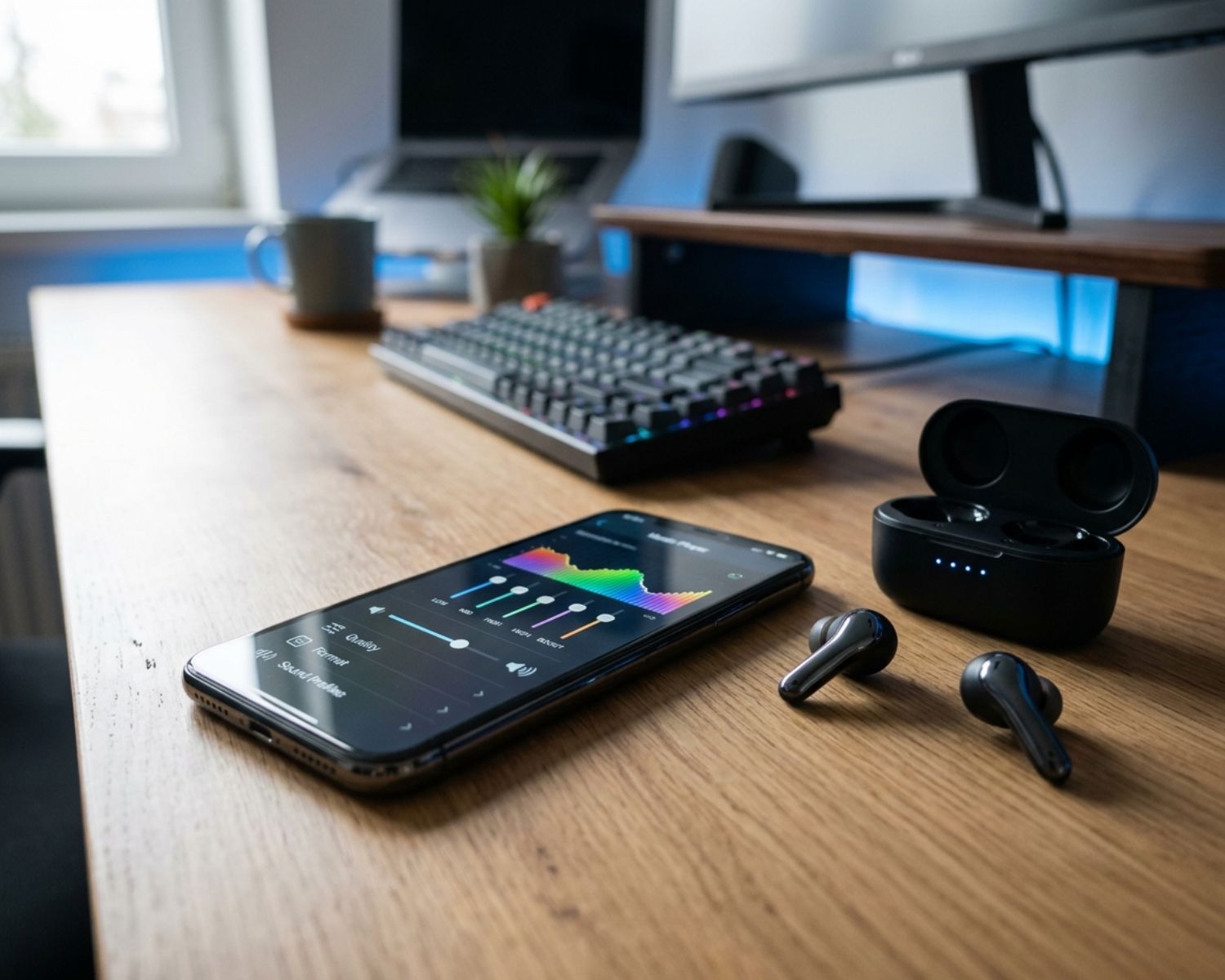
Why Your Earbuds Sound Different on Every App?
You play the same song on two apps, using the same phone and the same earbuds, yet it somehow sounds wider, louder or sharper on one of them.
Your ears are not imagining the difference. Each app can process audio in its own way before the sound ever reaches your earbuds.
That small change matters because streaming quality, volume controls and built-in sound settings can reshape what you hear. Once you know where to look, you can make your favourite apps sound far more consistent.
The App May Be Changing the Volume
Many music apps use volume normalisation to stop one track from sounding much louder than the next. The feature is useful when a playlist jumps between old recordings and modern releases, but it can also make a song feel less energetic.
Video and social media apps handle loudness differently. A clip may sound powerful because it was mastered loudly, while the same track on a music service follows a quieter playback target. Compare sound at a similar perceived volume before deciding that one app has better quality.
Streaming Quality Is Not Always Equal
An app may lower audio quality when mobile data is limited or the connection becomes unstable. Another app might keep a higher setting because you previously downloaded the track. Those choices affect detail, clarity and the space around instruments.
Open the audio quality settings in each service and check both Wi-Fi and mobile data options. Automatic modes are convenient, but they can change quality without making the switch obvious.
A fixed high-quality setting creates a fairer comparison, although it will use more data and storage.
Hidden EQ Settings Can Follow You
Some apps include their own equaliser, while your phone or earbuds may apply another sound profile at the same time. Two layers of bass boost can make vocals muddy. A bright preset can make cymbals or spoken voices tiring.
Start with every equaliser set to flat, then adjust one layer only. The guides on Earbuds4Life can help you understand the features that influence fit, playback and sound without turning every listening session into a technical project.
Content Is Mixed for Different Purposes
A podcast is usually mixed to keep speech clear. A film app must balance dialogue, music and effects. Short videos often favour immediate impact through compressed, forward sound.
Even excellent earbuds cannot make those sources identical because the differences are already built into the content.
Make Every App Sound More Consistent
Use the same track, disable app-specific EQ and match the volume by ear. Then check streaming quality, normalisation and any spatial audio setting. Change one option at a time so you can hear what it actually does.
Your earbuds are only the final link in the chain. When one app sounds different, the cause is often a setting rather than faulty hardware. A few careful checks can restore the sound you expected.
#WirelessEarbuds #AudioQuality #StreamingAudio #EarbudTips #SoundSettings #Earbuds4Life