


No products in the cart.
Auracast Is Already Reaching Public Venues: Can Your Earbuds Tune In?
Most public places are full of sound that is somehow difficult to hear. An airport announcement crackles above the crowd. A silent television in a waiting room plays with subtitles that move faster than your eyes. A tour guide speaks into a microphone while everyone at the back nods politely and catches about 40 percent of the story.
Auracast is designed to make those situations less frustrating. It is a Bluetooth broadcast technology that can send one audio stream to many compatible earbuds, headphones, hearing devices, or receivers at the same time.
Instead of borrowing a venue’s clunky receiver or straining to hear speakers through a room, you may be able to listen directly through your own device.
Auracast is not everywhere yet, but it is no longer just a future-facing promise on a product box. Public venues, theaters, cinemas, universities, places of worship, and hearing-access locations are already beginning to use it, while more compatible devices are reaching the market.
What Auracast Actually Does
Traditional Bluetooth is built around a one-to-one relationship. You pair your earbuds with your phone, laptop, tablet, or television, and that device sends sound to your ears. Auracast takes a different route by allowing one source to broadcast audio to many nearby compatible listeners.
Think of it less like sharing one pair of earbuds and more like choosing a Wi-Fi network. A venue can broadcast an audio stream from a television, public-address system, tour guide, or live event. People nearby can then select that stream through a compatible device and listen through their own earbuds or headphones.
That can be useful in more places than people expect. A gym could broadcast the sound from several televisions without filling the room with competing audio. A museum could provide different tour languages without handing out disposable headphones.
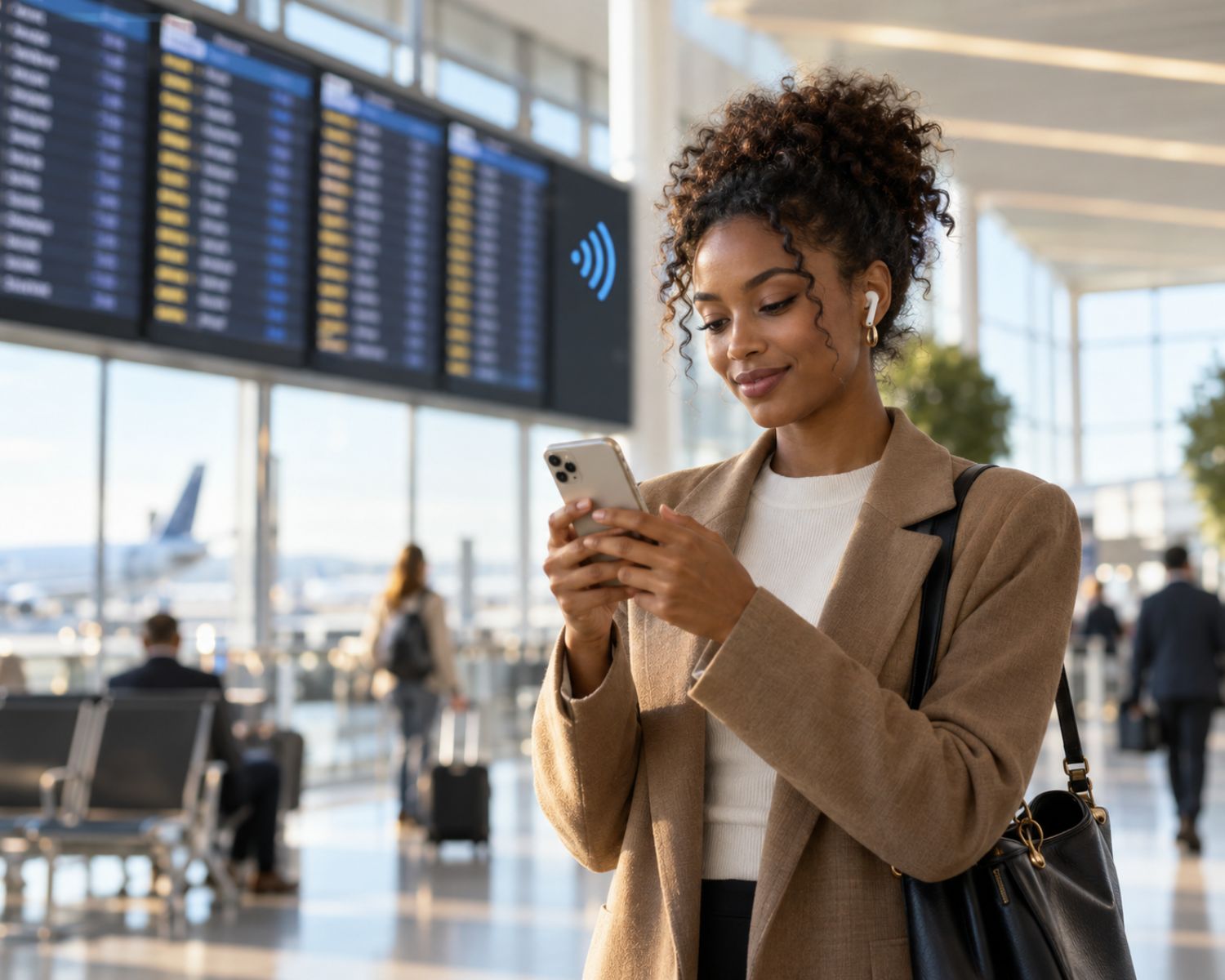
An airport could make announcements clearer for people who struggle to hear them over the familiar symphony of rolling suitcases and suspiciously loud coffee grinders.
The Bluetooth Special Interest Group already highlights real-world Auracast use cases for public spaces, including airports, cinemas, gyms, conference centers, and theaters. Its public-location guidance also shows that this technology is being developed for both convenience and accessibility.
Why This Matters for Everyday Earbud Users
The obvious benefit is clearer sound, but the bigger benefit is control. Instead of relying on the volume of a shared speaker or the acoustics of a crowded room, listeners can receive audio directly through a device that already fits their preferences.
For someone who uses headphones every day, that can mean less straining to hear speech and fewer moments of pretending to understand what was said. It may also give users more independence in public spaces, particularly where assistive-listening equipment has traditionally been limited, awkward to borrow, or unavailable.
Auracast can also make shared audio more personal. Two friends may be able to listen to the same broadcast without passing a device back and forth. Someone attending an event may be able to select a language stream that suits them.
A person watching a silent television in a lounge may finally hear the game instead of trying to interpret the score through animated hand gestures from the presenter.
The technology will not replace every way people listen in public, but it could make public sound feel less like a vague background mystery and more like something users can choose for themselves.
Your Current Earbuds May Not Be Ready
This is where the tiny print matters. Not every Bluetooth earbud, headphone, phone, or hearing device supports Auracast. Standard Bluetooth compatibility does not automatically mean a device can receive broadcast audio.
When checking a product, look for specific references to Auracast or Bluetooth LE Audio. Some products may be Auracast-enabled from the moment you buy them, while others may be described as Auracast-ready, which can mean support is expected through a future firmware update.
Those phrases are not interchangeable, so it is worth checking the manufacturer’s details rather than assuming a software update will magically transform any older pair into a broadcast receiver.
Your phone may matter too. In many cases, the phone or smartwatch helps you find and select an available audio stream, while the sound itself is sent directly to the earbuds or hearing device. That means the full experience may depend on both the listening device and the phone you use with it.
If you are comparing models, it is sensible to look through the available wireless Bluetooth headphones with future features in mind. You do not need to buy a new pair solely for Auracast, but it is worth considering if you are already replacing an old device or want headphones that may stay useful as public adoption expands.
Where You May See It First
Auracast is likely to appear first in places where sound needs to reach many people clearly. That includes theaters, lecture halls, museums, waiting rooms, transport hubs, churches, sporting venues, and conference spaces.
Venues that already provide hearing loops, infrared systems, or loaned listening equipment may also be more likely to explore it.
Silent television screens are another likely use. You have probably seen them in airports, gyms, reception areas, and restaurants.
They often show sports, news, or travel updates with captions, but the sound is unavailable unless the venue turns the volume up for everyone. Auracast could allow people with compatible earbuds to listen privately without turning the entire room into a loudspeaker battlefield.
It may also change guided experiences. A museum or visitor attraction could broadcast several language channels at once, allowing visitors to use their own devices instead of collecting shared equipment.
That may be cleaner, more flexible, and much easier for anyone who prefers not to wear headphones that have spent the day visiting hundreds of other heads.
Still, availability will vary widely for a while. You may find Auracast in one modern venue and not see it again for months. That does not mean the feature failed. It simply means the rollout is still growing.
What Auracast Will Not Fix
Auracast is useful, but it is not a magic wand for every audio problem. It cannot make an incompatible pair of earbuds suddenly receive a broadcast, and it cannot help if a venue has not installed a transmitter in the first place.
It also does not replace good headphone fit, stable Bluetooth performance, or sensible volume habits. If your earbuds constantly slip out, lose connection, or sound muddy, Auracast will not arrive in a cape and solve those issues. It is an additional listening option, not a repair kit for unrelated problems.
Privacy also matters. A public audio stream is designed to be shared, so users should be mindful of what they connect to and where. It is best to choose identifiable, trusted broadcasts and avoid connecting blindly to unfamiliar streams just because the name looks interesting.
Final Thoughts
Auracast is already moving from product-spec language into real public spaces. It may not change your next coffee-shop visit, but it could gradually change how people listen in airports, gyms, theaters, museums, and other places where clear audio has always been harder than it should be.
The smartest approach is not to rush out and replace perfectly good earbuds. Instead, understand what the feature does, check compatibility when you are shopping, and keep an eye out for it when you are next in a public venue. One day, that silent airport television may finally have something useful to say.
#Auracast #BluetoothAudio #WirelessEarbuds #Headphones #AudioTechnology #HearingAccessibility